API & Integrations
Connect JournalV4 to your other tools. Automate what you do every day.
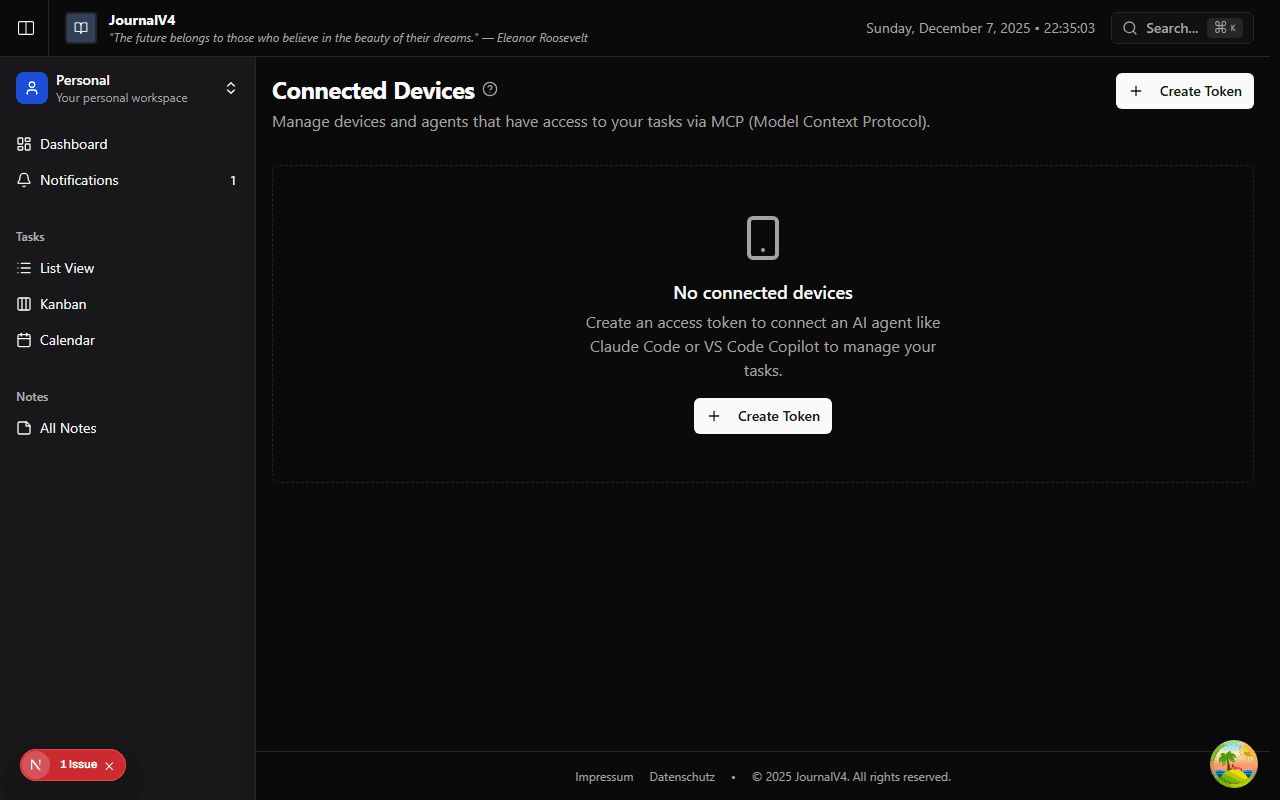
What's a Device Token?
Think of a device token as a password for apps instead of people. It lets external tools—like automation platforms or AI assistants— access your JournalV4 data on your behalf.
Each token you create represents one connection. You control which tokens exist and can revoke any of them at any time.
Creating a Token
Go to Settings → Devices and click Create Token. Give it a name that reminds you what it's for.
Important: Copy it immediately
You'll only see the full token once. After you close the dialog, it's hidden forever. Treat it like a password.
Good naming examples: "CLI Tool," "Zapier Integration," "Claude AI," "Work Laptop."
What Can You Connect?
With a token, external tools can do almost anything you can do in JournalV4:
AI Assistants
Let Claude or other AI tools manage your tasks and notes through MCP (Model Context Protocol).
Automation
Build workflows with Zapier, n8n, or similar tools. Create tasks automatically from emails or calendar events.
CLI Tools
Add tasks from your terminal. Perfect for developers who live in the command line.
Custom Apps
Build your own integrations using our API. The token gives you authenticated access.
Using Your Token
When making API requests, include your token in the Authorization header:
Most integration tools have a field for "API Key" or "Bearer Token." Paste your token there.
Keeping Tokens Secure
Tokens are powerful. Treat them like passwords:
- Don't share tokens — Create separate tokens for each tool or person who needs access.
- Revoke what you don't use — If a token is from an old project or tool, delete it.
- Rotate if compromised — Think someone might have your token? Revoke it immediately and create a new one.
- Review regularly — Check your Devices page every few months. You might be surprised what's still connected.
What Tokens Can Access
Tokens inherit your permissions. If you're an Editor on a team, the token can edit that team's content. If you're a Viewer, the token can only read.
Personal tokens access your personal workspace. To access team content, make sure you have the right role on that team.