Your tasks, notes, and team all in one place
Modern productivity for individuals and teams. Manage tasks, capture notes, and collaborate seamlessly with a clean, powerful interface.
Everything you need to stay organized
Powerful features designed for both individuals and teams. Get started quickly and scale as you grow.
- Kanban, list, and calendar views
- Priorities and categories
- Checklists and attachments
- Team workspaces
- Role-based permissions
- Invite members via email
- Color coding for organization
- Labels and categories
- Pin important notes
- MCP integration support
- API access for automation
- External tool connections
- Complete change history
- Team activity tracking
- Audit trail for compliance
- OAuth with GitHub
- Email verification
- Secure session management
See JournalV4 in action
Discover how our features help you stay organized and productive every day.
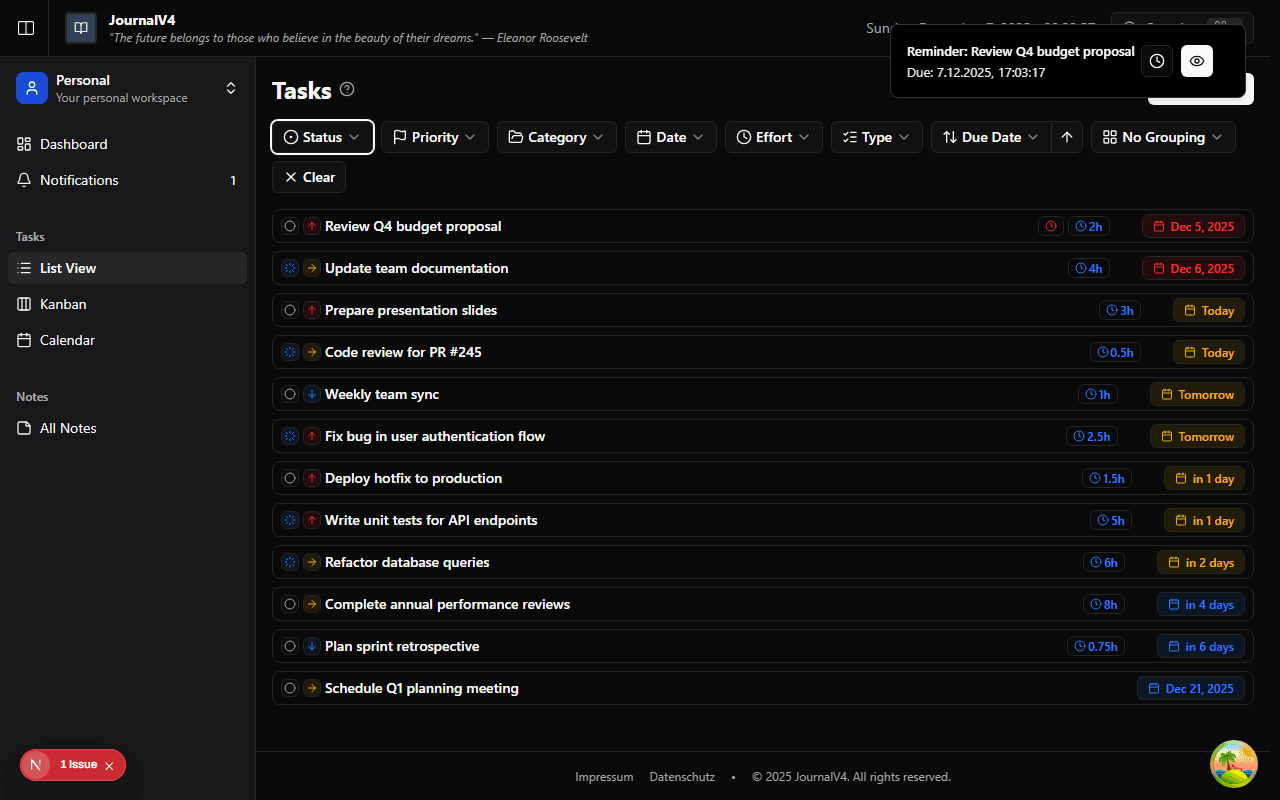
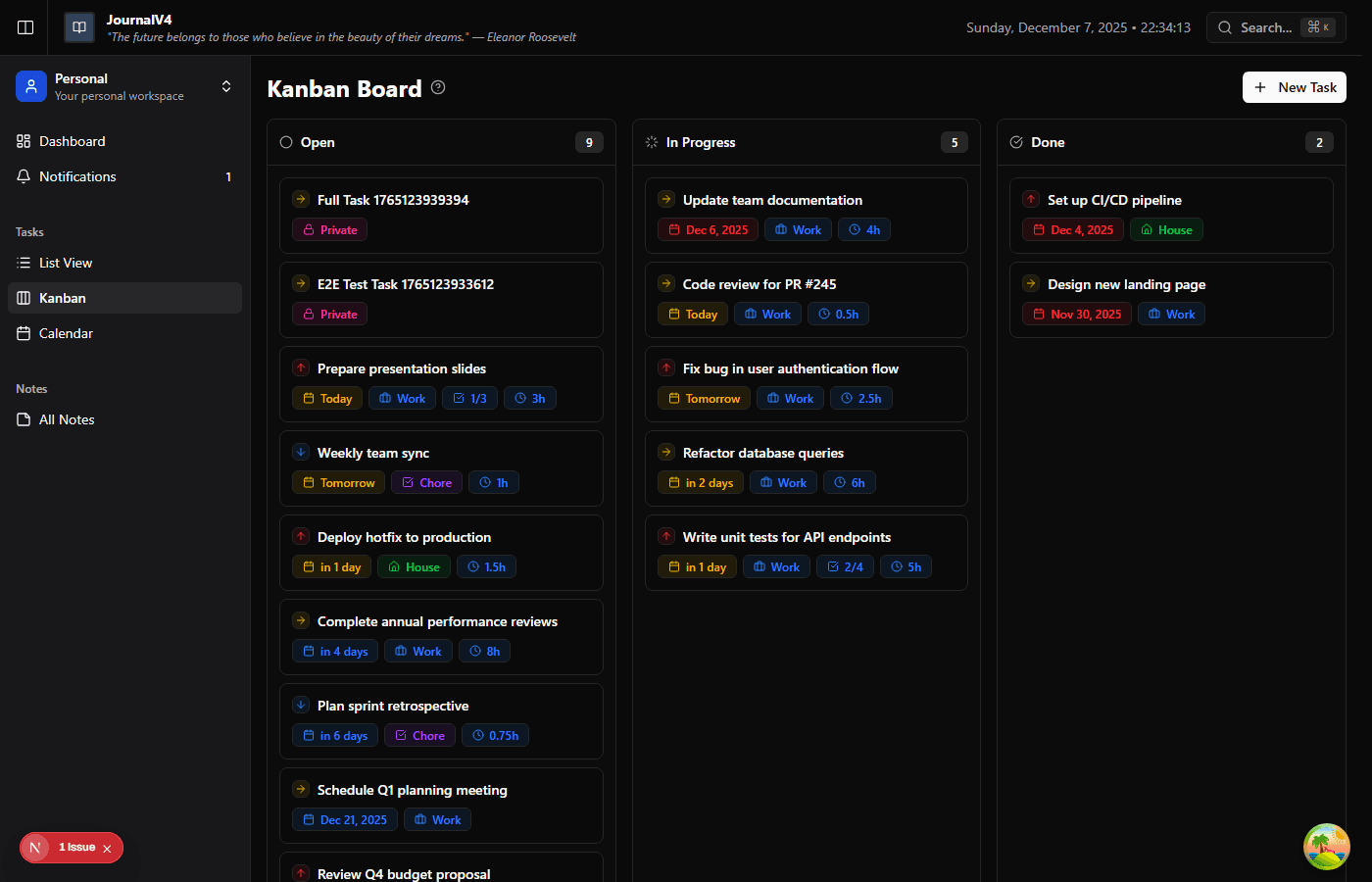
Task Management
See your work at a glance with flexible views. Drag tasks between columns, set priorities, and never miss a deadline with our intuitive Kanban board.
- Kanban, list, and calendar views
- Priorities and categories
- Checklists and attachments
Team Collaboration
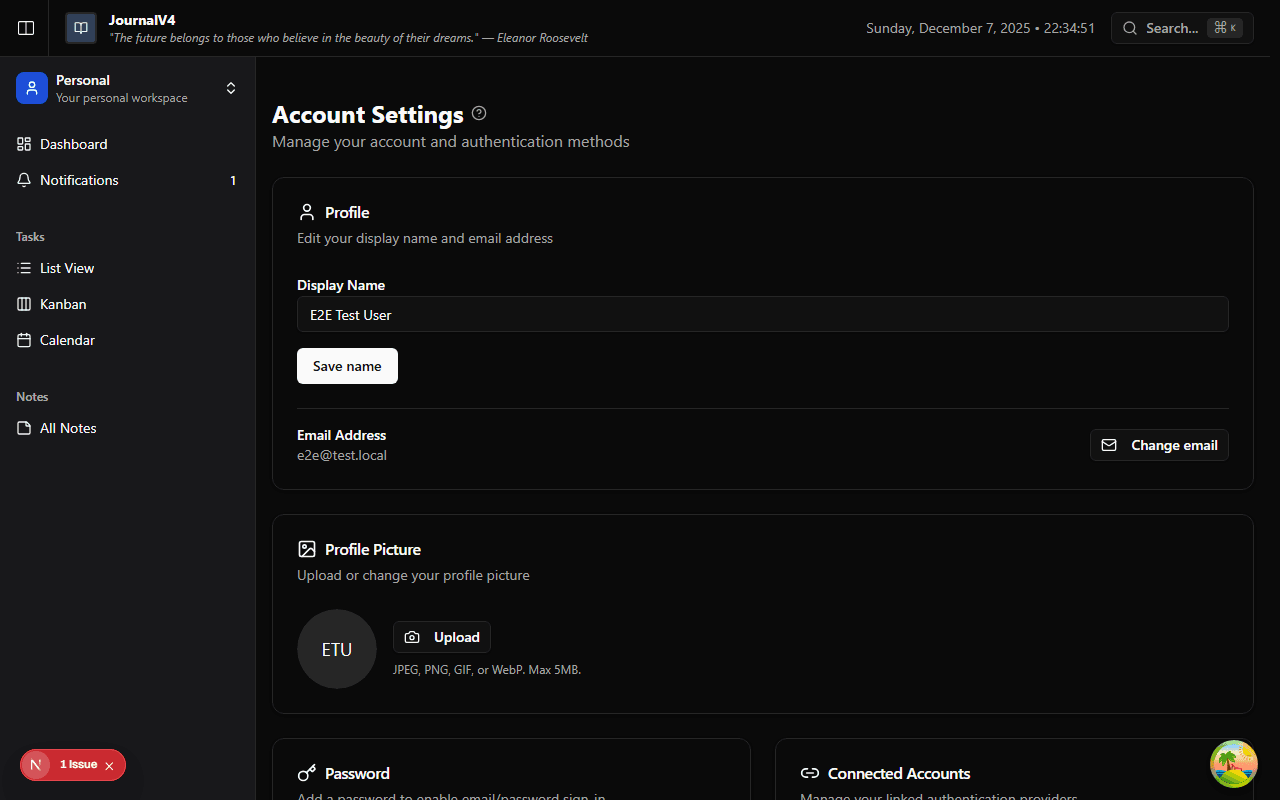
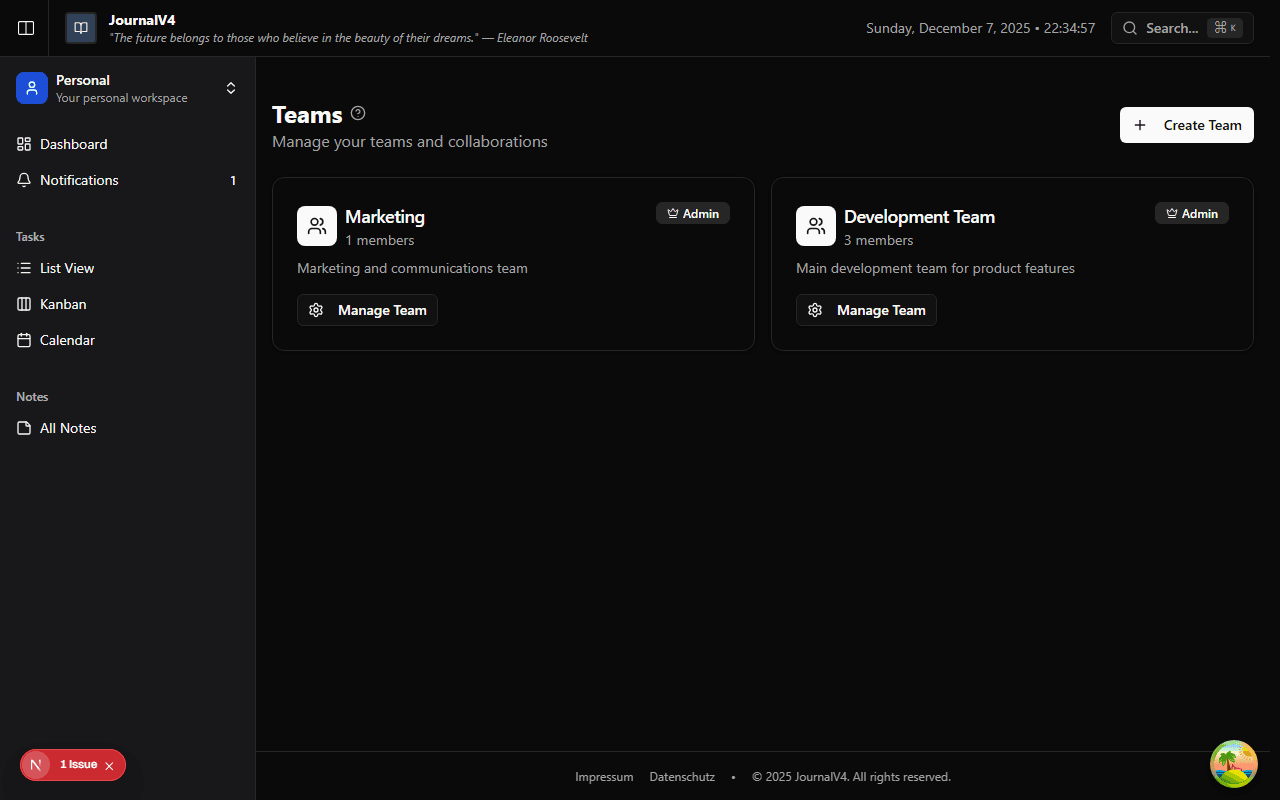
Bring your team together in shared workspaces. Assign roles, manage permissions, and collaborate seamlessly on projects.
- Team workspaces
- Role-based permissions
- Invite members via email
Smart Notes
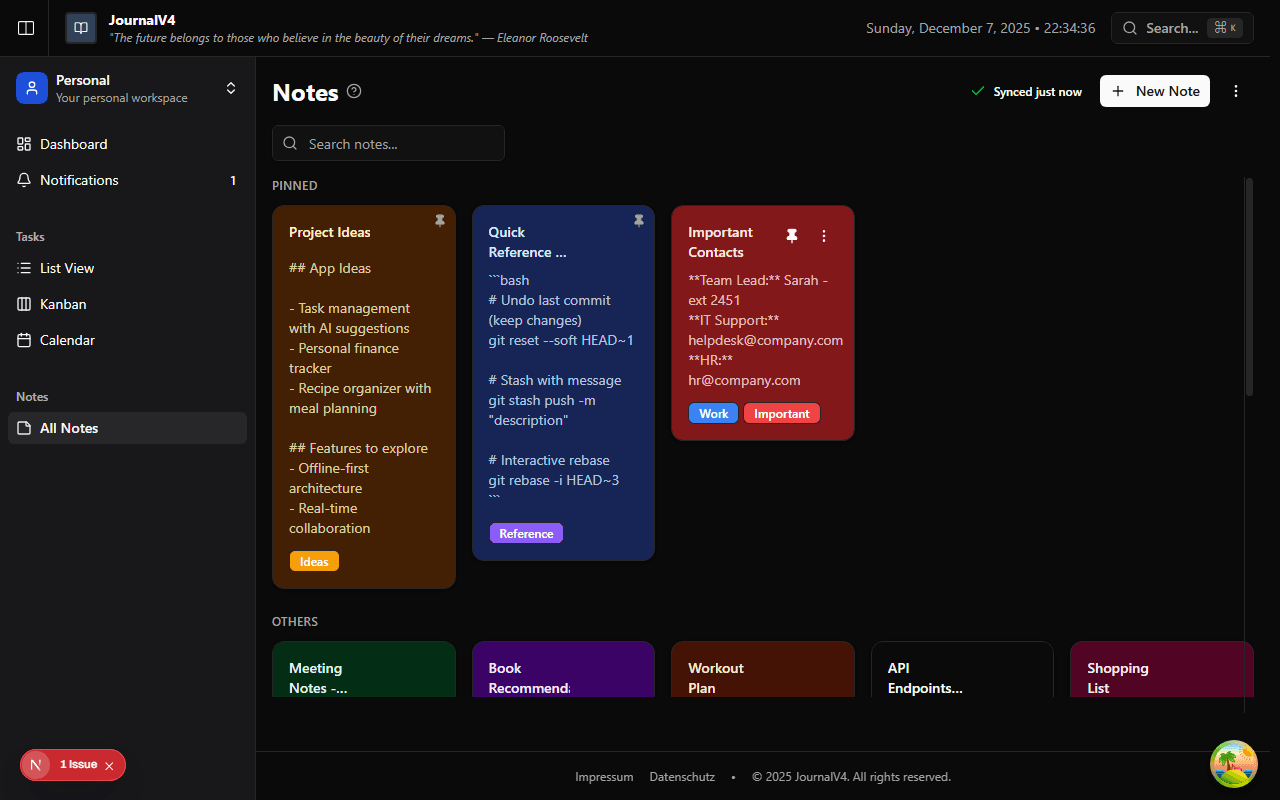
Capture ideas instantly with beautiful, color-coded notes. Organize with labels, pin important thoughts, and find anything in seconds.
- Color coding for organization
- Labels and categories
- Pin important notes
AI-Powered Assistant
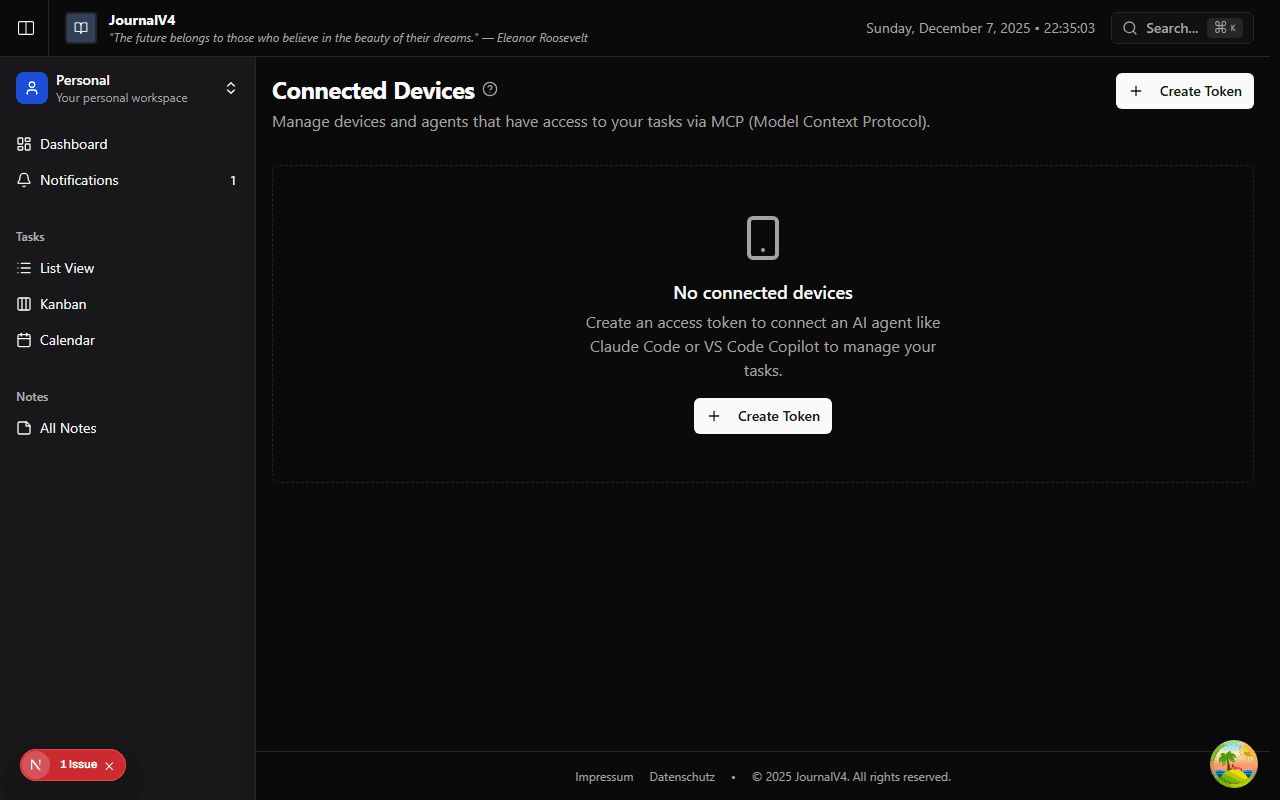
Connect Claude Code, VS Code Copilot, and other AI tools via MCP. Automate your workflow and let AI help manage your tasks.
- MCP integration support
- API access for automation
- External tool connections
Secure Authentication
Your data stays secure with enterprise-grade authentication. Sign in with GitHub, verify your email, and manage your account with confidence.
- OAuth with GitHub
- Email verification
- Secure session management